HelpCentered Video

Samples

Sample stills and walkthrough frames

These images show the kind of setups and recordings we edit. They were made with an AI image model for this site. None of them is from a client project.

AI-generated sample stills

These images were made with an AI image model to show the look and finish of the work we deliver. They are samples, not client projects, and nothing in them comes from a real recording or a real business.
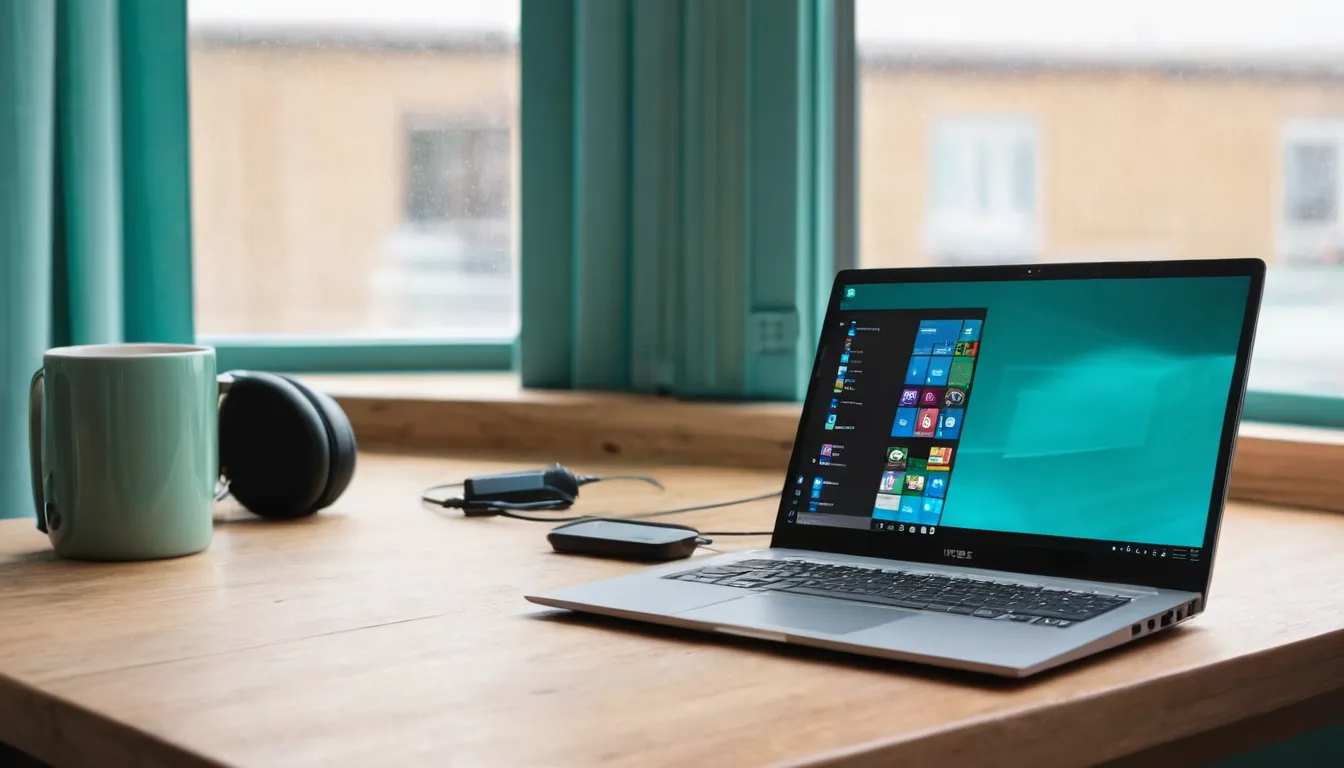
Laptop showing a software dashboard on a tidy desk beside a USB microphone (AI-generated sample image)
AI-generated sampleLaptop showing a software dashboard on a tidy desk beside a USB microphone. Made with an AI image model for this site; not a client project.
Small office training room with a wall screen and empty chairs (AI-generated sample image)
AI-generated sampleSmall office training room with a wall screen and empty chairs. Made with an AI image model for this site; not a client project.
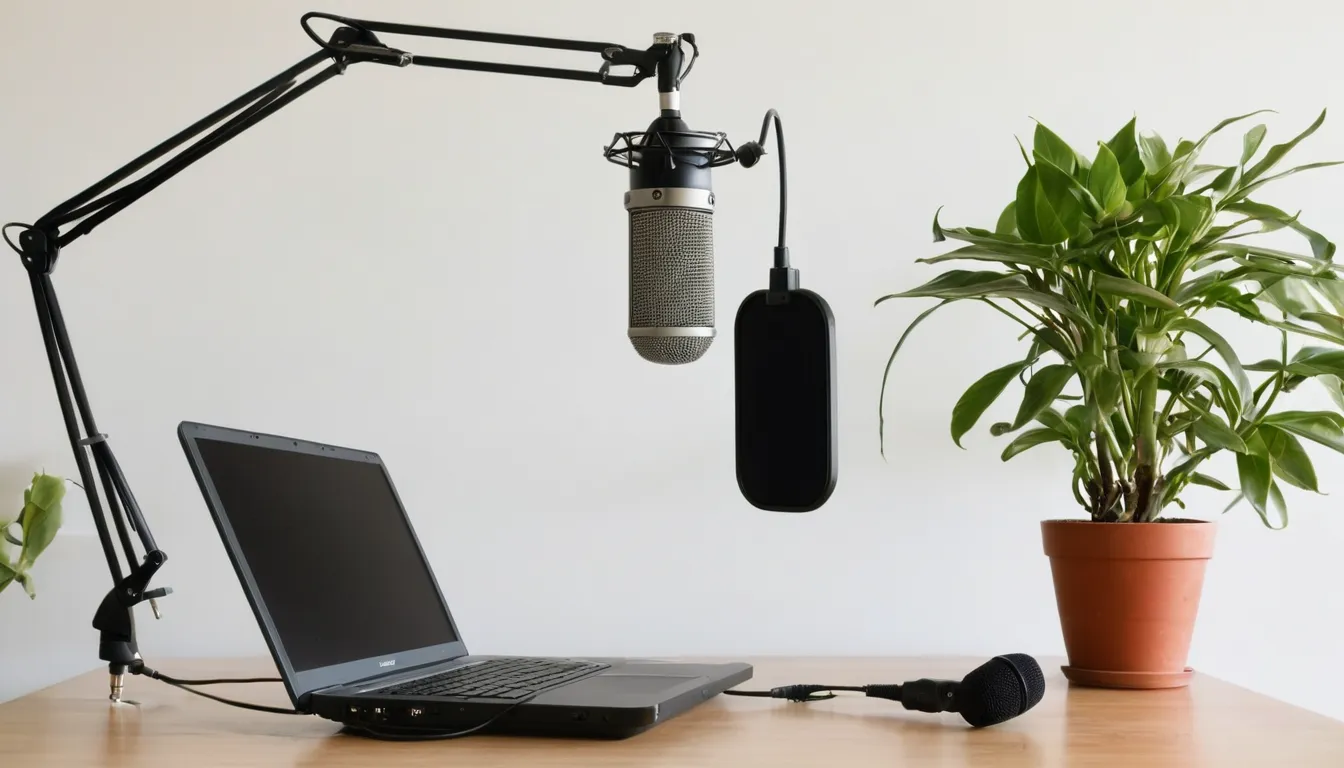
Condenser microphone on a boom arm next to a laptop in a home office (AI-generated sample image)
AI-generated sampleCondenser microphone on a boom arm next to a laptop in a home office. Made with an AI image model for this site; not a client project.
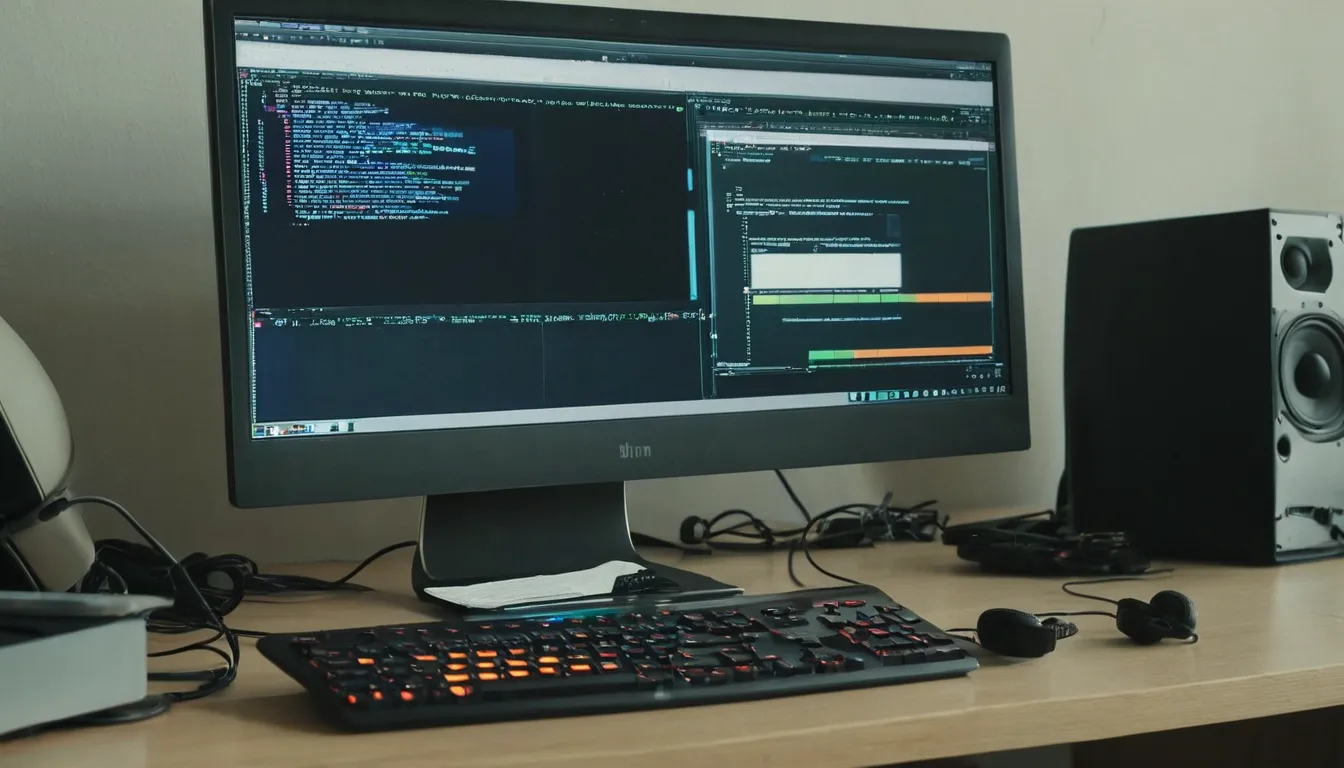
Two monitors, one with a paused screen recording and one with an editing timeline (AI-generated sample image)
AI-generated sampleTwo monitors, one with a paused screen recording and one with an editing timeline. Made with an AI image model for this site; not a client project.
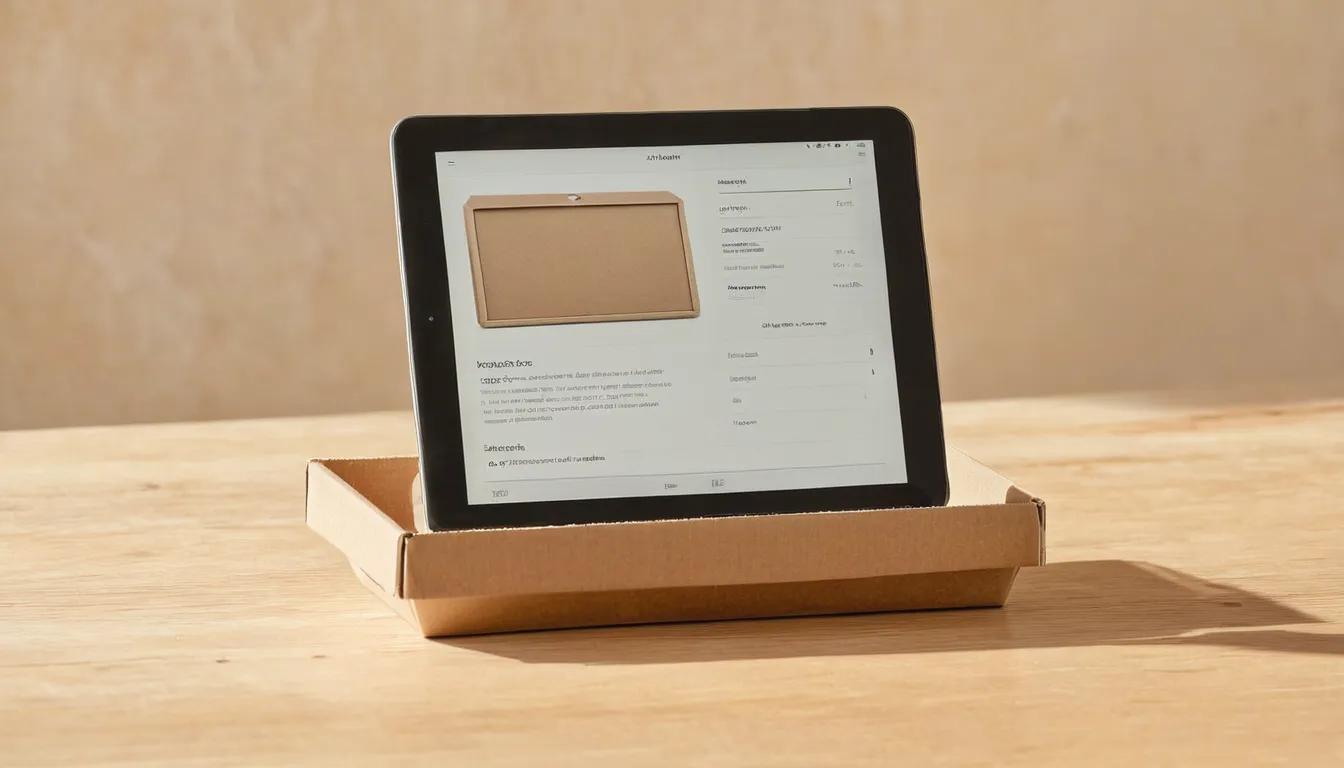
Tablet on a stand showing an app beside a product box on a light wood table (AI-generated sample image)
AI-generated sampleTablet on a stand showing an app beside a product box on a light wood table. Made with an AI image model for this site; not a client project.
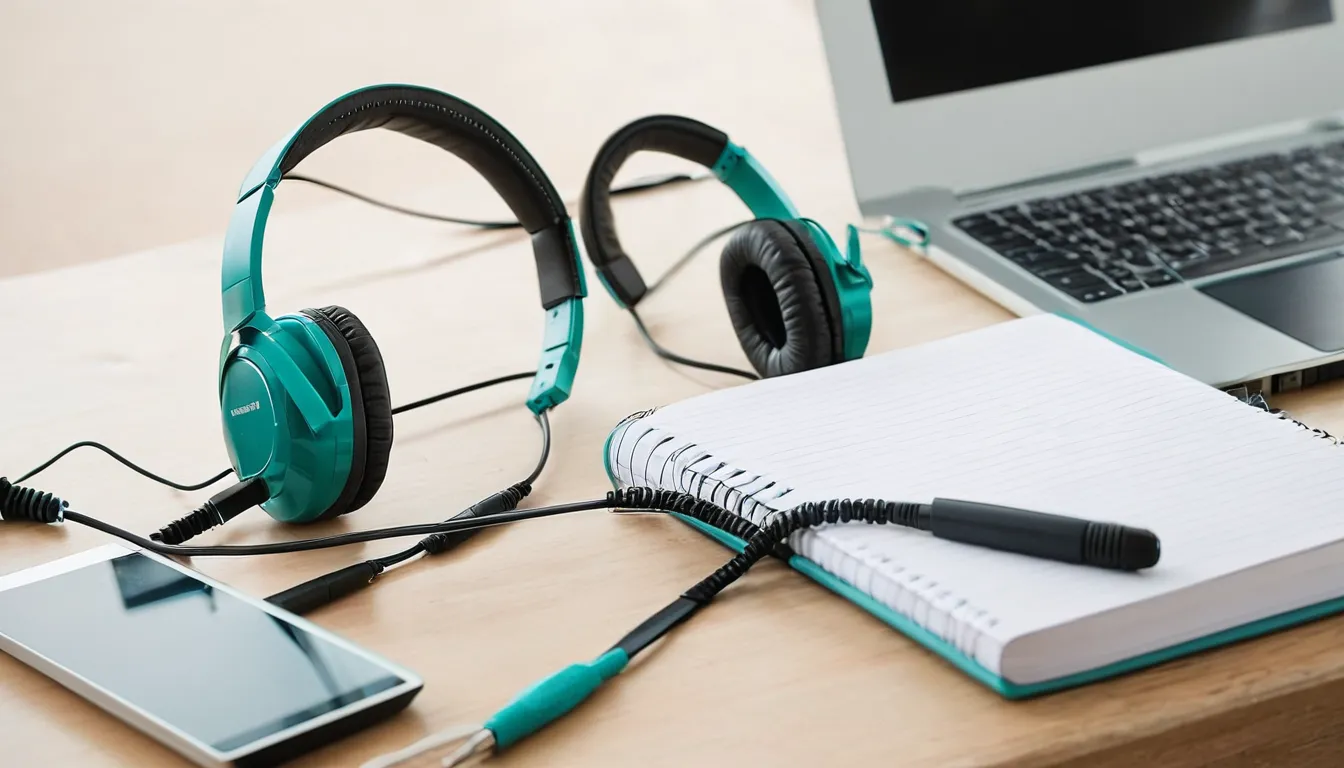
Headset, notebook and laptop on a desk in a bright small business office (AI-generated sample image)
AI-generated sampleHeadset, notebook and laptop on a desk in a bright small business office. Made with an AI image model for this site; not a client project.

About these images. Every still on this page was made with an AI image model, and the walkthrough frames elsewhere on the site are illustrations. We don't publish client recordings without written permission.

Setups that record well

A good how-to recording doesn't need a studio. A laptop with a USB microphone or a headset gives clear narration. A second monitor lets you keep notes out of the recording. A quiet room with soft furnishings cuts echo. For hands-on tasks, a phone on a small tripod above the work surface shows each step without anyone holding the camera.

Picking a style

Send links to two or three help or training videos you find easy to follow, from any company. We'll match the pace, the caption look and how often the screen zooms, then apply your colors and logo. For a series, the first video sets the template and the rest follow it.

If you already have slides or a brand guide, send those too. Title cards, lower thirds and chapter cards will use the same fonts and colors, so the videos sit comfortably next to your help articles and documents.

Have a recording that needs to make sense to a new hire or a customer? Tell us what it explains, who will watch it and where it will live.

Request a quote